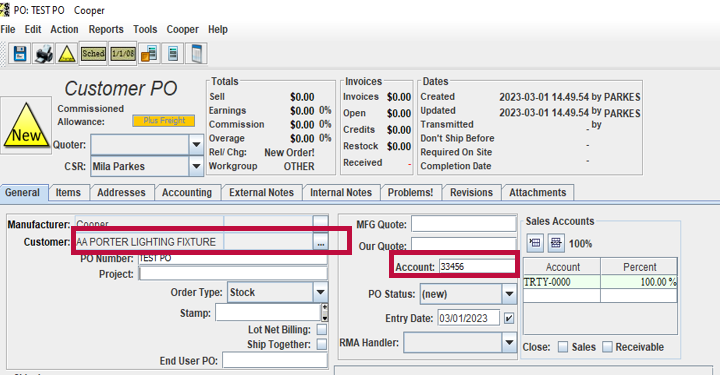
Adding A New Customer In Oasis
When a new customer is added to SAP for Cooper Lighting Solutions, it is downloaded to Flash that night. There is a nightly overnight replication process that syncs customers and products from SAP to Flash.
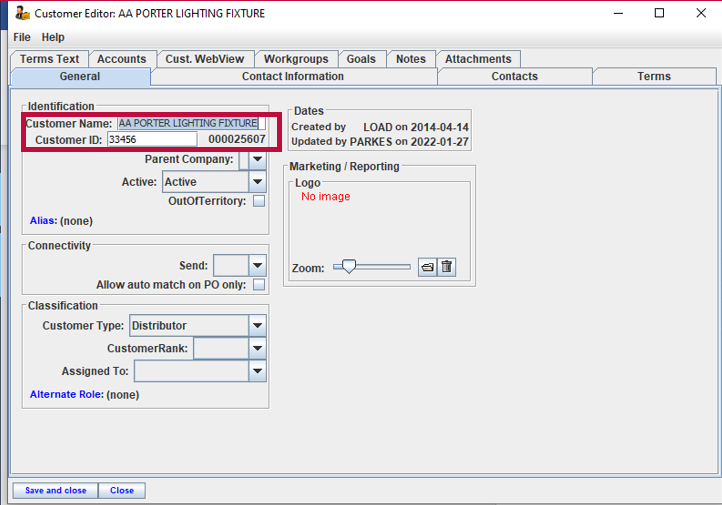
In Oasis, it is important to manually add the customer and account number provided by Cooper in the customer profile.
Step 1: Under the "Accounts" tab, add all the manufacturers that the customer is authorized for, and add the account number in each row
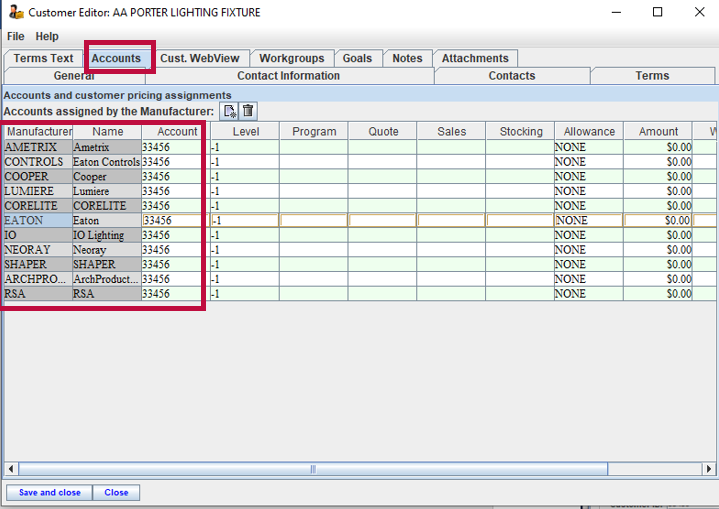
Step 2: Click Save and close.
When a new order is created, and a customer is added from the drop-down menu, the customer's account number will automatically populate.